> For the complete documentation index, see [llms.txt](https://docs.maplytics.com/llms.txt). Markdown versions of documentation pages are available by appending `.md` to page URLs; this page is available as [Markdown](https://docs.maplytics.com/maplytics/azure-maps-google-maps-mapbox/installation/install-from-microsoft-appsource/support-for-cds.md).
# Support for Dataverse(CDS)
If the user does not have Dynamics CRM, they can still use Maplytics by subscribing to the PowerApps platform. This platform comes packaged with some base entities that include Accounts and Contacts, along with other platform entities to provide support for its security and other infrastructure.
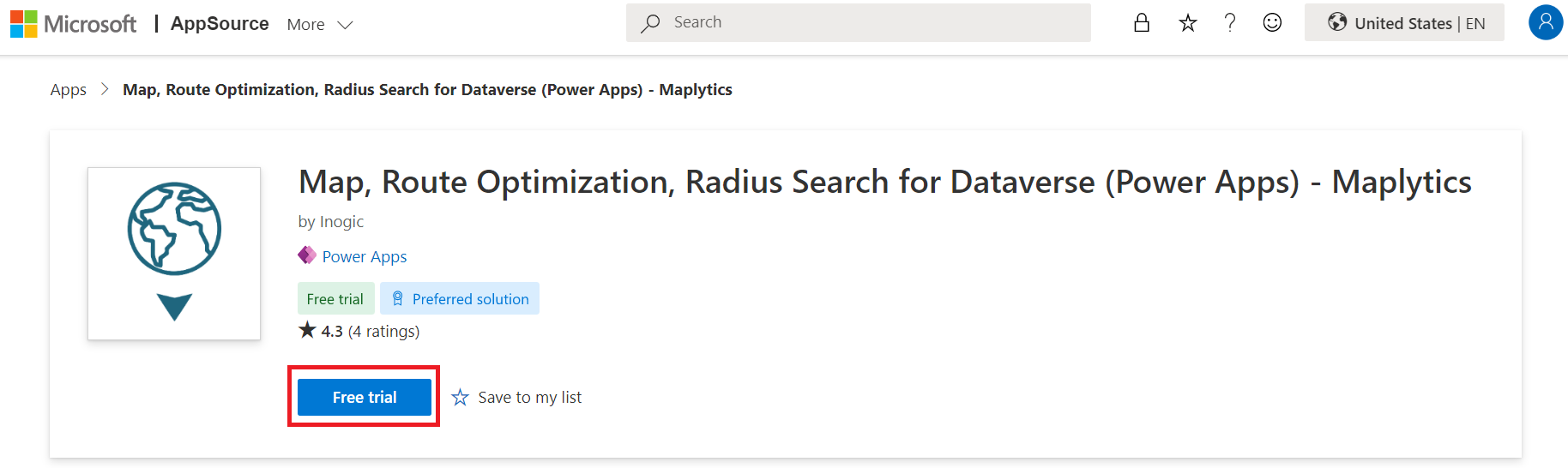
To install the Maplytics solution from the Microsoft Marketplace, [visit the Marketplace page](https://appsource.microsoft.com/en-us/product/dynamics-365/inogic.map-route-territory-powerapps) and follow the steps shown below.
Click on the **FREE TRIAL** button.
If the user is already logged into CRM, accept the terms & conditions and click on **Continue**.

If the user is not logged into CRM, fill in the credentials and Sign in.

Next, confirm the details in the form, accept the terms & conditions and click on Continue.
{% hint style="success" %}
For any queries, reach out to us at
{% endhint %}